Rings like an alarm clock
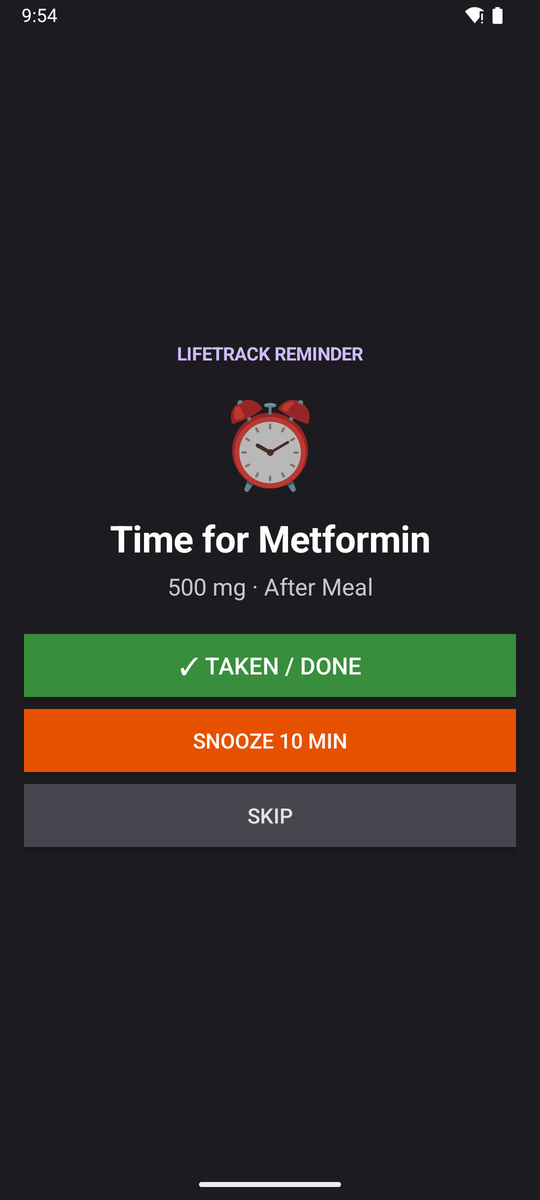
A full-screen alarm over the lock screen with big Taken, Snooze and Skip buttons. It keeps working in Doze mode and comes back after a restart.
Free · Offline · Open source · Android
LifeTrack rings on time for every dose: on a locked phone, in battery saver, even after you swipe the app away. No sign-up, no internet, no ads. Just the right pill at the right time, for everyone in the family.
Why LifeTrack
Ordinary notifications get silenced by battery savers and swiped away by accident. A missed dose shouldn't depend on luck, so LifeTrack uses the same system alarm clock your phone's own alarm uses.
A full-screen alarm over the lock screen with big Taken, Snooze and Skip buttons. It keeps working in Doze mode and comes back after a restart.
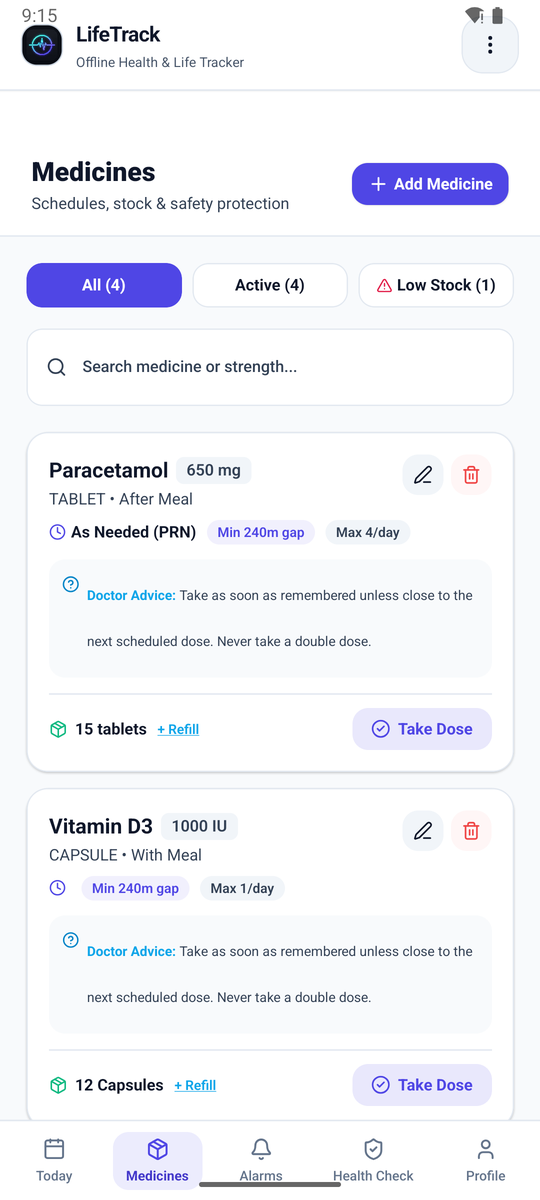
Warns you if a dose is too soon after the last one or over the daily maximum. Counts your tablets and tells you before the strip runs out.
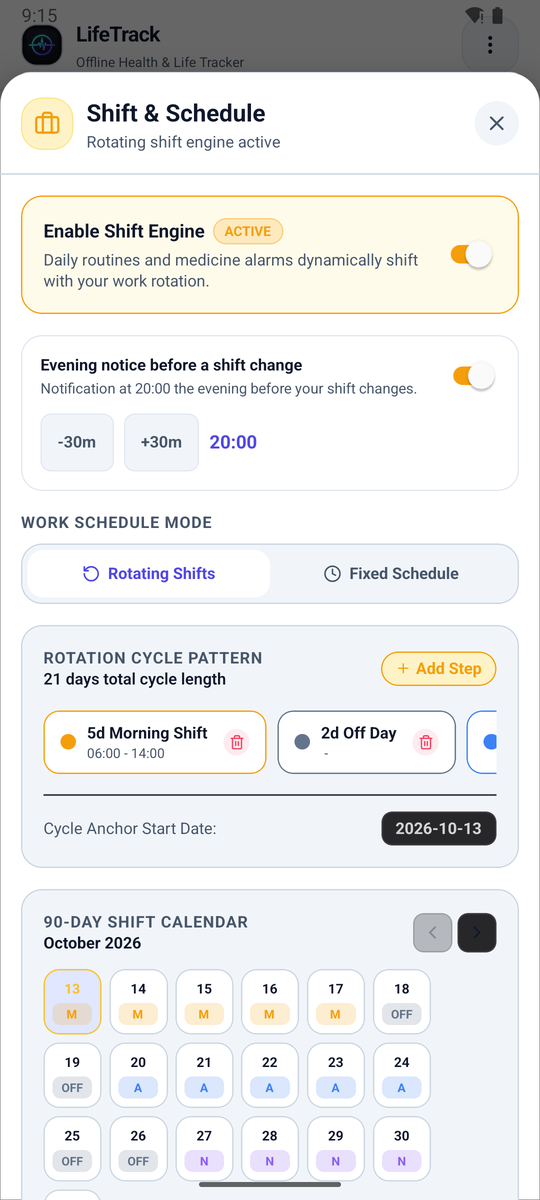
Set doses by the clock or by your routine: "with lunch", "30 minutes after waking". Change your lunch time and the reminders move with it. Shift work is built in.
For every age
From a grandparent's blood-pressure tablet to a student's inhaler, LifeTrack fits the way each person actually lives.
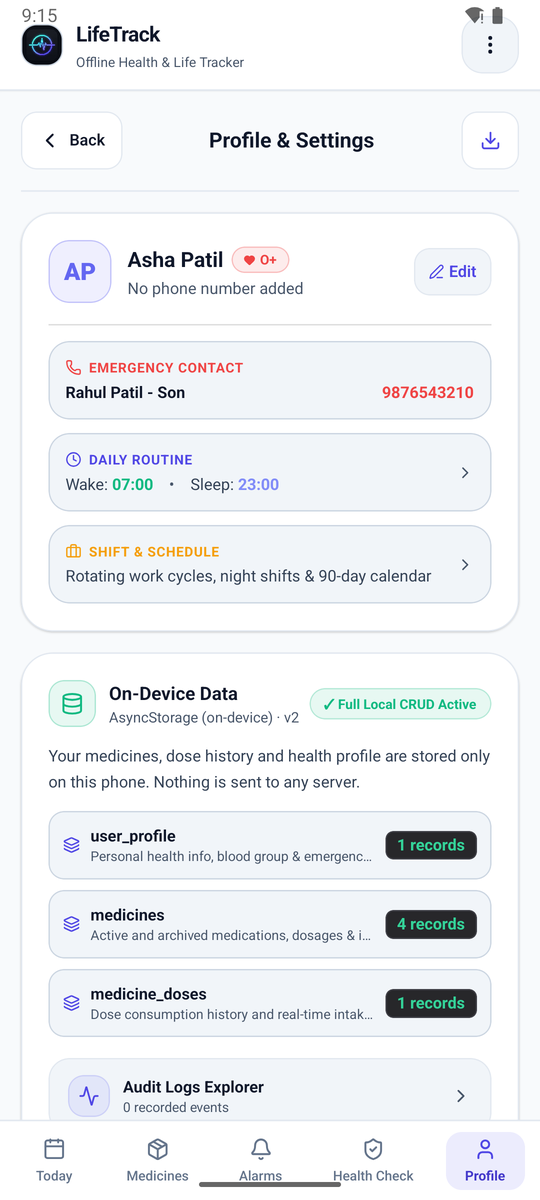
A loud, full-screen alarm and one big button to say "Taken". The app speaks Hindi and Marathi, and keeps blood group and an emergency contact on the profile.
Set it up once on a parent's phone. Get a refill warning before the medicine runs out, track a child's syrup with a daily limit, and back everything up when they change phones.
Nurses, guards, factory and IT teams: build a rotation like "5 mornings, 2 off, 5 nights" and see 90 days ahead. A heads-up arrives the evening before your shift changes.
Vitamins, inhalers, an as-needed painkiller with a safe-gap check, or a course of antibiotics you must finish. No sign-up, no ads, nothing to pay.
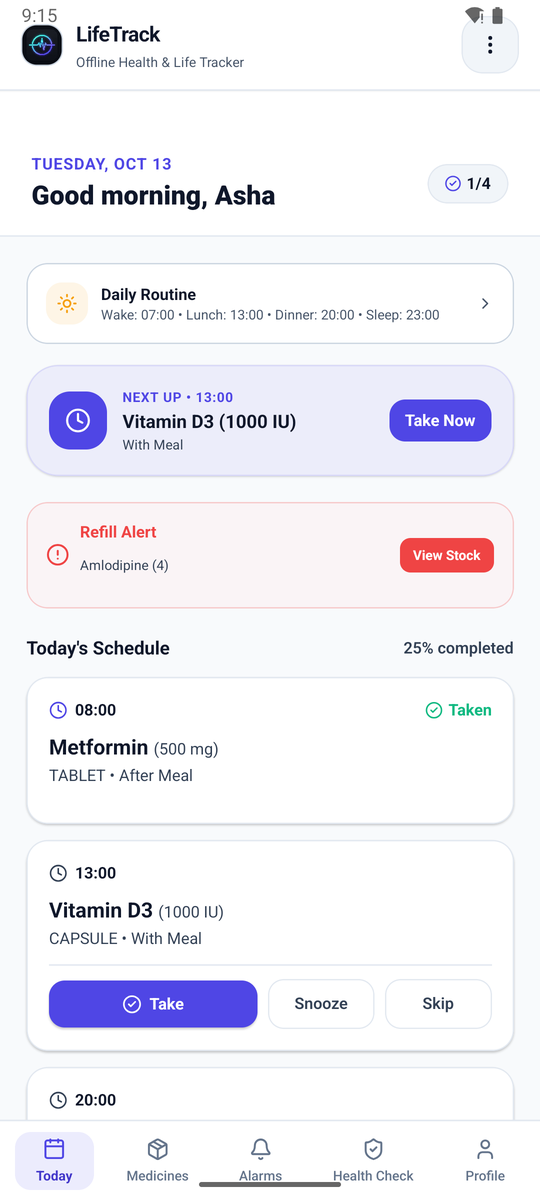
Take a look
What's next, what's done, what's running low. Everything fits on one screen.
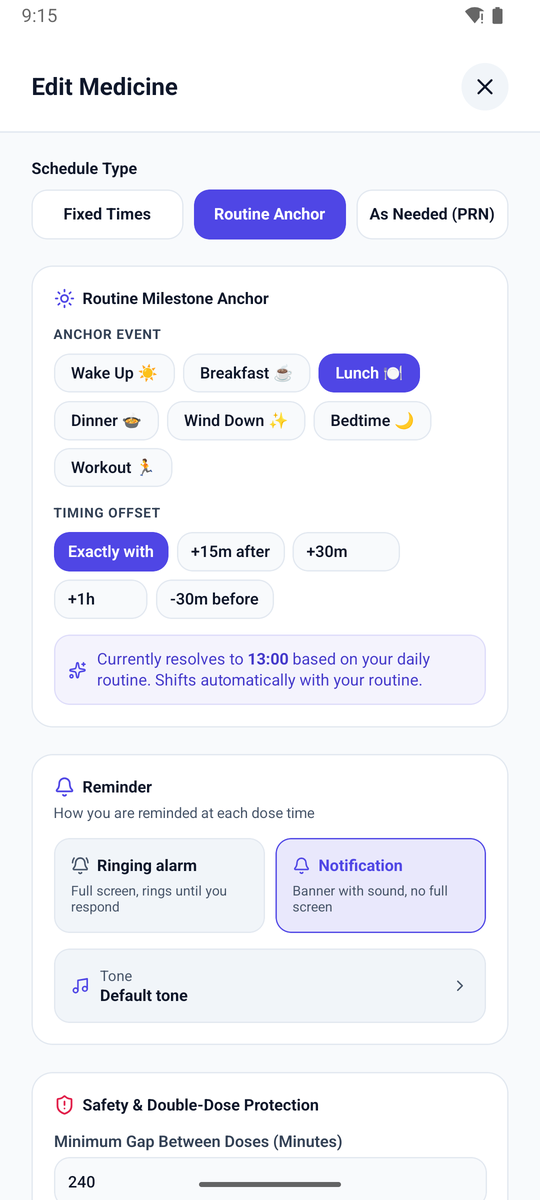
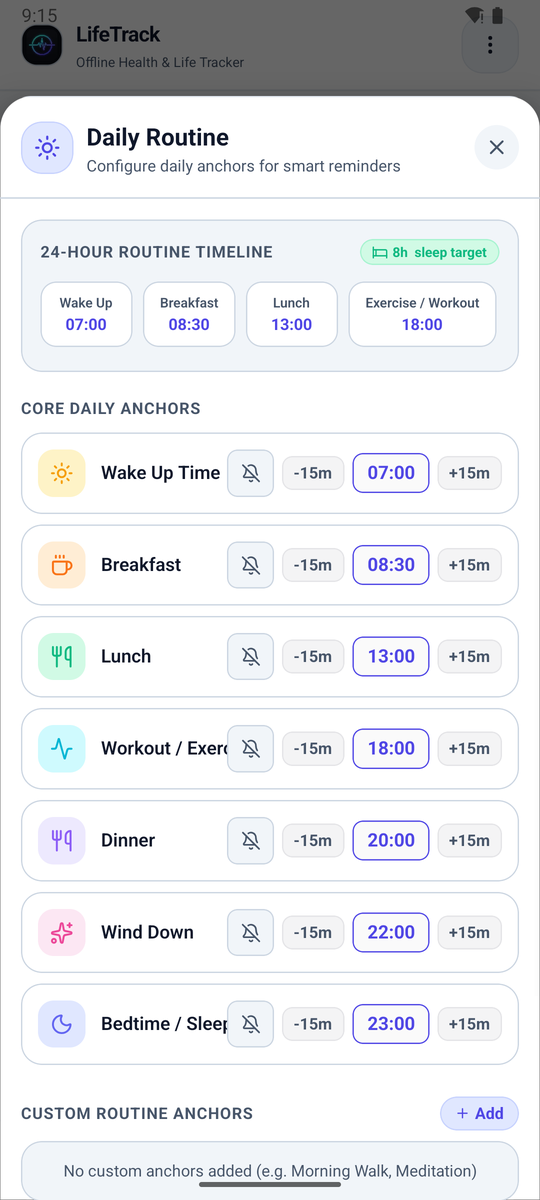
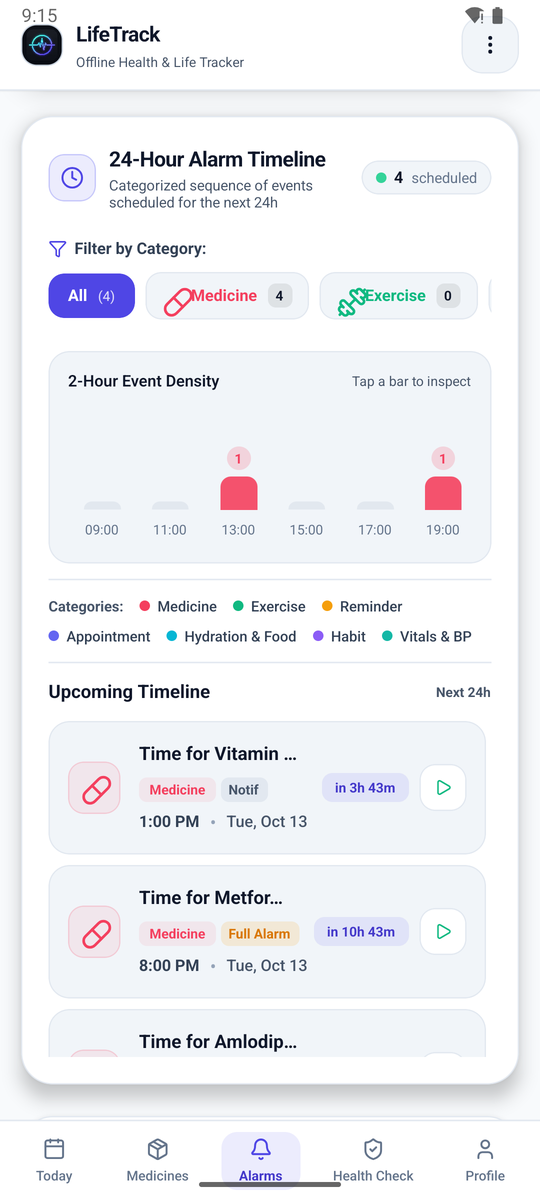
Set up in a minute
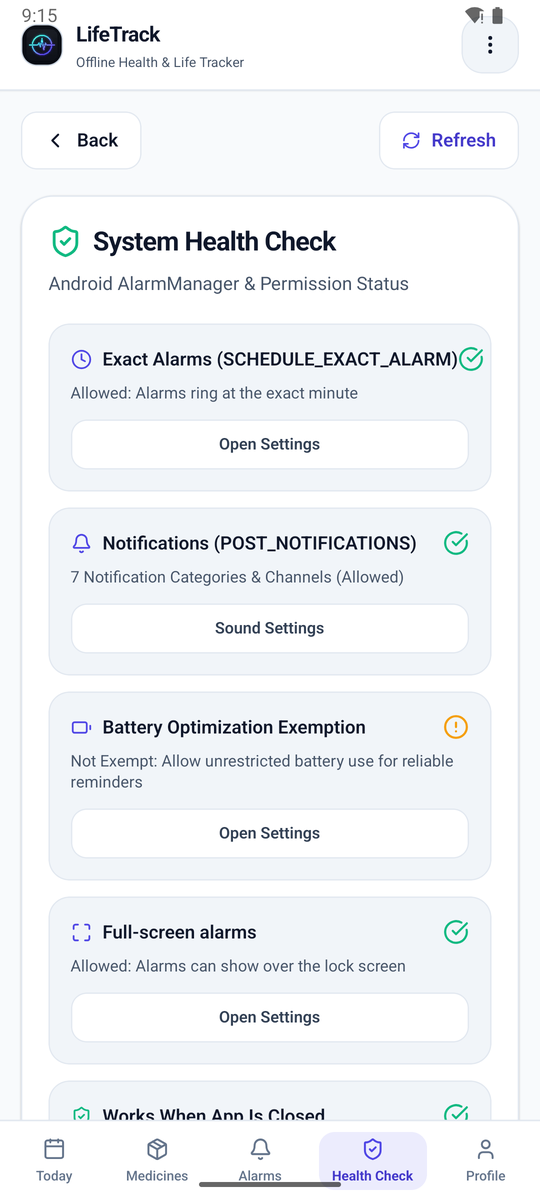
Install the app and allow notifications and alarms. The built-in Health Check shows a green tick when your phone is ready.
Name, strength, and when: fixed times, "with dinner", or only when needed. Add how many tablets you have.
Right from the lock screen. LifeTrack records the dose, counts down your stock, and lines up the next one.
See it work
A walk through the whole app: today's schedule, adding a medicine, routines, shifts, switching to Hindi, and an alarm ringing on a locked phone.
Recorded on an Android emulator with made-up data.
Private by design
Speaks your language
Englishहिन्दीमराठीEspañol
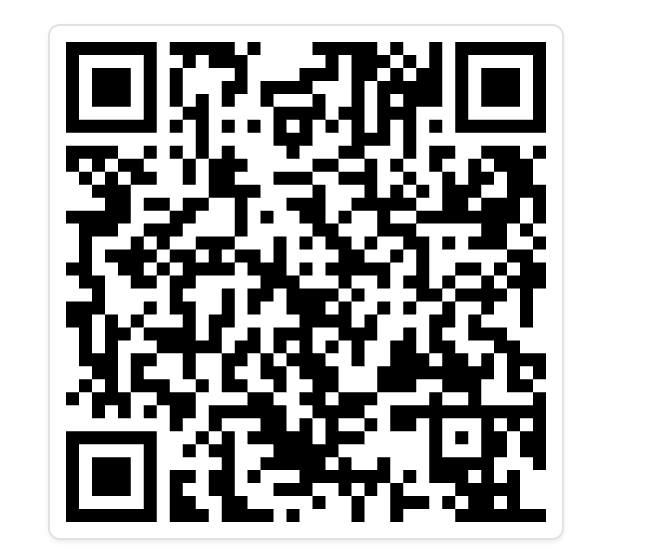
Get LifeTrack
Needs Android 7.0 or newer. iPhone isn't supported yet.
Questions
Yes. No ads, no subscription, no paid features. LifeTrack is open source under the MIT license.
No. Everything works offline, and the app never sends your data anywhere.
Not yet. For now you install the APK directly. Android shows a warning for any app from outside the Play Store, and the install steps above walk you through it.
That's what it's built for. It uses Android's alarm-clock system, the same one your phone's alarm uses. Some phones (Xiaomi, Oppo, Vivo, Realme, Samsung) also need Autostart and Unrestricted battery turned on, and the in-app Health Check shows you where.
Yes. Install it on her phone, add her medicines once, and choose Hindi or Marathi if she prefers. The profile keeps her blood group and an emergency contact.
Make a backup from Profile, move the file to the new phone, and restore it. Uninstalling the app deletes its data, so back up first.
Not yet. The code is ready to grow into iOS later.